
Can Claude Read & Send WhatsApp Messages? What's Actually Possible
Yes — Claude can both read and send WhatsApp messages, but not directly. Here's exactly what's possible, what requires EZContact's MCP server, and what Claude cannot do on its own.
Yes — Claude can read and send WhatsApp messages. But it can’t do either directly. Claude needs a bridge to WhatsApp’s API, and that bridge is EZContact’s native MCP server.
Here’s the exact breakdown: what Claude can read, what it can send, what it can access, and where the real limits are.
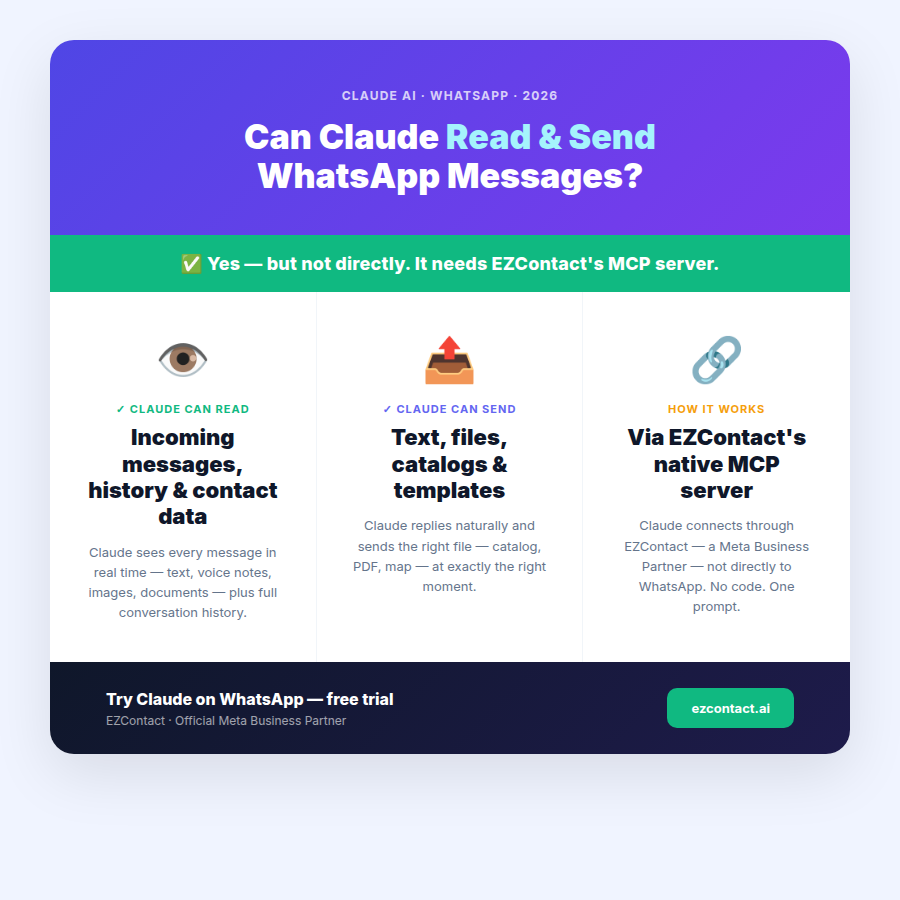
Can Claude read WhatsApp messages?
Yes. Through EZContact’s MCP server, Claude can read:
- Incoming messages — text, voice notes (transcribed), images, documents, and location pins sent by your customers
- Conversation history — the full thread for any contact, including previous sessions
- Contact metadata — name, phone number, labels, and any data your team has logged
- Customer intent context — EZContact surfaces what the customer is asking so Claude can formulate a relevant response
Claude doesn’t poll WhatsApp directly. When a message arrives, EZContact receives it from the WhatsApp Business API and passes it to Claude via the MCP protocol. Claude reads it, processes it with your business context, and generates a reply — all in seconds.
Can Claude send WhatsApp messages?
Yes. Claude can send:
- Text replies — conversational responses in any language
- Images and documents — product catalogs, PDFs, menus, instruction sheets
- Files on context — if you’ve uploaded a map, a price list, or a flyer, Claude sends the right file at the right moment without you specifying each time
- WhatsApp message templates — for outbound notifications like appointment reminders or order updates (template approval by Meta required)
Everything goes through EZContact’s connection to the WhatsApp Business API. Customers see a normal WhatsApp message from your business number. There’s no indication it came from an AI — unless you want to disclose that.
What can Claude actually access?
Beyond the conversation itself, Claude has access to everything you give it inside EZContact:
| What | How |
|---|---|
| Your business knowledge | Knowledge Base — upload PDFs, Word files, FAQs, scripts |
| Dynamic data | Data Tables — product catalogs, vacancies, pricing, branch locations |
| External systems | Additional MCP servers — your CRM, ERP, booking calendar, or database |
| Team assignments | Claude can assign conversations to specific agents when escalation is needed |
| Conversation tags | Claude can tag contacts and conversations during the interaction |
The key insight: Claude doesn’t just read and send messages. It reads and sends with the full context of your business — which is what separates it from a simple bot that only responds to predefined keywords.
What Claude cannot do on its own
This is where the limits matter:
Claude cannot connect to WhatsApp directly. There’s no native WhatsApp integration in Claude.ai or in the Anthropic API. Meta does not provide public API access for arbitrary AI models — access to WhatsApp Business API requires going through an approved Business Solution Provider (BSP).
EZContact is a Meta Business Partner. It holds the connection to WhatsApp’s API and exposes Claude’s capabilities through its MCP server. Without a platform like EZContact in the middle, Claude has no path to WhatsApp.
What this means in practice:
- You cannot use Claude.ai to read your business’s WhatsApp messages
- You cannot use Claude’s API alone to send WhatsApp messages
- You need an approved BSP + platform that exposes an MCP server Claude can call
EZContact handles all of this — the BSP connection, the MCP server, the human inbox, the business data layer.
→ Curious about what WhatsApp API access costs through a BSP? See: 360dialog Pricing 2026: Real Monthly Costs, API Fees & What You Actually Pay
Two ways Claude works with WhatsApp in practice
1. Autonomous AI agent (24/7)
Claude handles incoming messages without human intervention. A customer texts your WhatsApp number; Claude reads the message, checks your Data Tables for relevant info (say, a product price or an open vacancy), generates a reply, and sends it — all in under 30 seconds.
When it needs to escalate, it hands the conversation to a specific team member in EZContact’s unified inbox and notifies them. The customer never leaves WhatsApp.
Common use cases: lead qualification, appointment booking, FAQ handling, recruitment screening, order status.
2. Copilot mode (human-assisted)
Your team manages conversations, but Claude works alongside them. When an agent opens a chat, Claude reads the full history and suggests the next reply — pulling from your Knowledge Base and Data Tables for accuracy. The human sends it.
This is especially useful for complex sales conversations, sensitive support cases, or any time you want AI speed with human judgment.
Real-world example: recruitment
A recruitment agency uses EZContact to connect Claude to their WhatsApp Business number. Here’s what happens when a candidate applies via WhatsApp:
- Candidate sends a message: “Hi, I’m interested in the logistics coordinator role”
- Claude reads the message and queries the Data Tables — is that vacancy open? What are the requirements?
- Claude replies with the key requirements and asks 3 qualifying questions
- Based on the answers, Claude either schedules an interview or sends a polite rejection
- If the candidate qualifies, Claude sends a PDF with the interview location map directly in WhatsApp
- The conversation is tagged and assigned to a human recruiter for follow-up
The agency went from 37 recruiters handling this manually to a team of 3 — with the same volume of candidates processed.
How to enable this for your business
- Connect your WhatsApp number to EZContact — Meta’s Embedded Signup is built into onboarding. No need to go through Meta Business Suite separately.
- Write one prompt — describe how Claude should behave, what it can and can’t answer, and when to escalate. No flow builders, no drag-and-drop nodes.
- Add your business data — upload to the Knowledge Base or create Data Tables for dynamic information.
- Go live — Claude starts handling incoming messages immediately. Your team monitors everything in EZContact’s unified inbox.
Setup takes under 15 minutes.
Related guides in this series
- Can Claude Connect to WhatsApp? Yes — Complete Setup (2026)
- Claude WhatsApp MCP: What It Is and How to Set It Up
- How to Connect Claude to WhatsApp: Step-by-Step Guide (2026)
- Can Meta AI Connect to WhatsApp? Complete Integration Guide (2026)
- 360dialog Pricing 2026: Real Monthly Costs, API Fees & What You Actually Pay
Ready to try it?
EZContact is a Meta Business Partner. Claude integration is live and available on all plans.
👉 Start your free trial at ezcontact.ai
FAQ
Can Claude read WhatsApp messages in real time? Yes — as soon as a message arrives in EZContact, Claude processes it and responds. The typical turnaround is under 30 seconds, including message reading, context lookup, and reply generation.
Can Claude send files through WhatsApp? Yes. You upload files to EZContact (catalogs, PDFs, maps, images) and set instructions for when Claude should send them. Claude sends the right file at the right moment — no extra configuration needed per conversation.
Does Claude see old conversation history? Yes. EZContact passes the full conversation thread to Claude so it has context for every reply. If a customer messaged 3 weeks ago, Claude knows about it.
What happens when Claude can’t handle a message? Claude detects when a conversation is outside its scope (or when you’ve configured specific escalation conditions) and hands off to a human agent in EZContact’s inbox. The human sees the full conversation and picks up seamlessly.
Is there a limit to how many messages Claude can handle? EZContact scales with your WhatsApp Business API tier. For most businesses, the limit is determined by Meta’s messaging volume policies, not by EZContact or Claude.
What’s the difference between this article and the Jun 10 article? The Jun 10 article answers “can it connect?” and covers both deployment modes broadly. This article is a direct Q&A about the specific actions Claude can and cannot take — reading, sending, accessing data — and where the actual limits are.
Related articles
Aug 2026
EZContact vs Yalo: Best WhatsApp AI Platform for LATAM?
Compare EZContact vs Yalo for WhatsApp AI, conversational commerce, human handoff, implementation, and the right business fit in LATAM.
Aug 2026
EZContact vs Salesforce Service Cloud: WhatsApp Service Without Enterprise Complexity
Comparing Salesforce Service Cloud and EZContact for WhatsApp customer service? See the honest 2026 breakdown of AI, handoff, setup, pricing, and fit.
Aug 2026
WhatsApp Voice AI: Handle Calls, Voicemails & Customer Service with an AI Agent
WhatsApp Voice AI combines a 24/7 AI phone agent with WhatsApp follow-up, call summaries, appointment booking, and human handoff. See how the workflow works.
Put your WhatsApp to work with EZContact
An AI agent that knows your business, a unified inbox, and human handoff when needed. No complex flows — set it up with a single prompt.